


Kiive Audio
The bus compressor you reach for first.
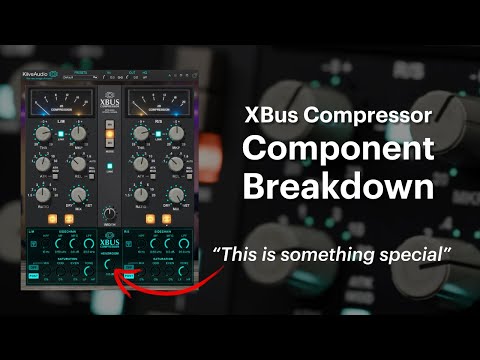
4.9 (143)XBus captures the punch and movement of classic VCA bus compression, with the flexibility to cover far more than gentle mix-bus glue. Shape the compression, fine-tune its harmonics, and blend everything in parallel for a whole range of sounds from one plugin.

THE COMPRESSION
Familiar controls, with more freedom to find the right response.
STEPPED OR CONTINUOUS
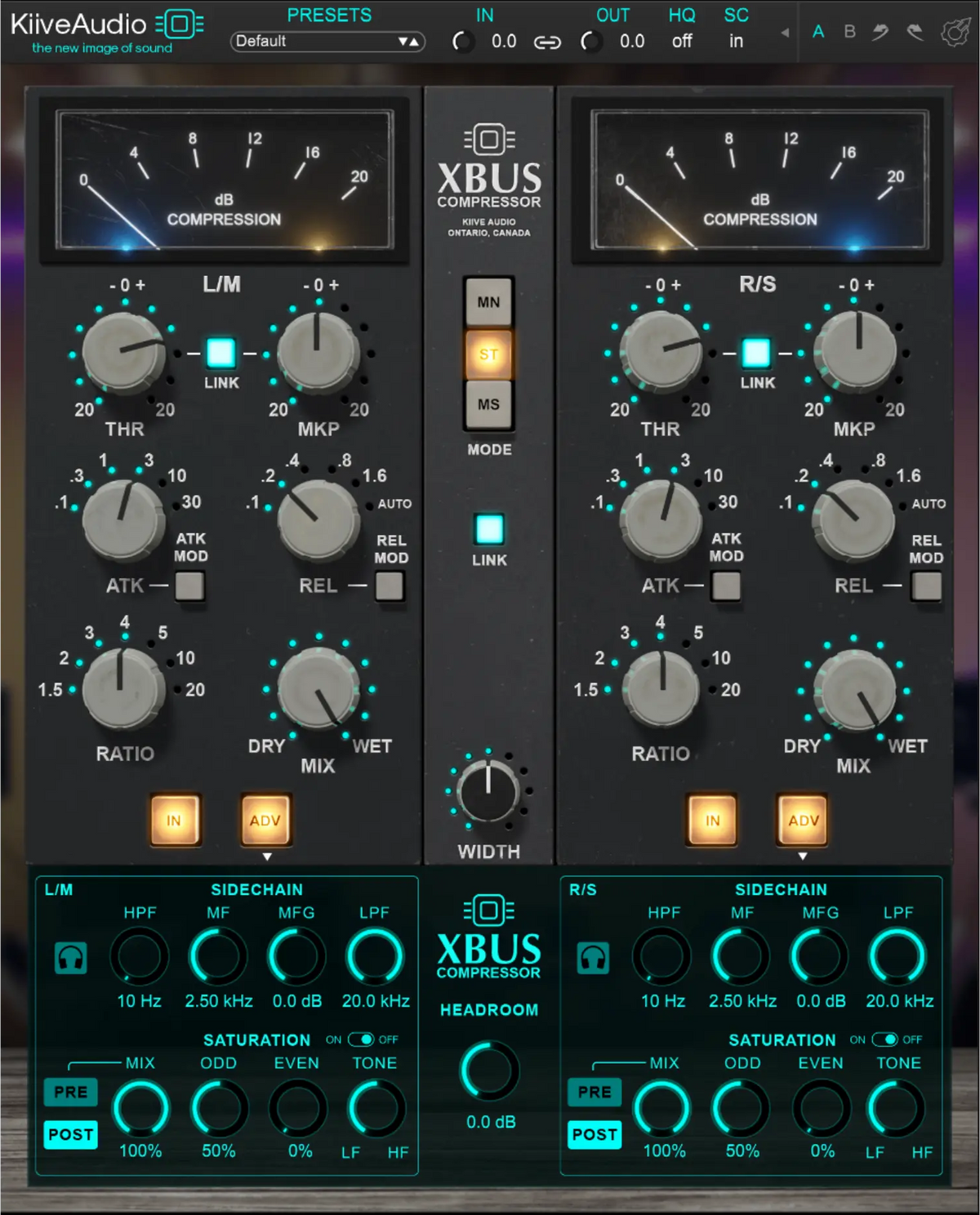
Use the classic stepped attack and release times, or switch on MOD to dial in the values in between. With ratios from 1.5:1 to 20:1 and Auto release, XBus covers everything from gentle bus compression to a much more aggressive response.
Classic timings, with the freedom to fine-tune.

MIX & WIDTH
Push the compression harder, then use Mix to blend it with your dry signal. The Width control lets you widen or narrow your stereo image, all within XBus.
Parallel compression, without another bus.

Keep both channels working together in stereo, compress left and right independently in dual mono, or work on the center and sides separately in mid/side.
Link the controls, or adjust each channel independently.
BEYOND THE COMPRESSOR
Explore the saturation, headroom and sidechain controls behind its wider range of sounds.
Blend even and odd harmonics independently, then use Tone to shape the saturation and Mix to control how much you hear. Place saturation before compression so XBus responds to the saturated signal, or after it to add saturation to your compressed sound.
Raise the headroom for a cleaner response, or lower it for more aggressive compression. It gives you another way to shape XBus’s behavior alongside your ratio, attack and release.
Use high-pass, low-pass and mid-band EQ to shape the sidechain, then solo it to hear your changes. Reduce the low end’s influence on compression without cutting bass from your mix.
Compare two versions of your settings, undo a change, and save your own custom presets.
Choose the oversampling setting that suits your session, with options from off to 16×.
Resize the interface and show or hide the advanced controls to suit the way you work.
“This is the one that will turn your mix from wow, to holy sh#t.”
WATCH & LISTEN
Kiive Audio

MixbusTV

Mixing With Mike
Combine preamps, EQs and compressors from three console designs to shape your tracks before they reach XBus.
VX-Q pairs clean, musical EQ with five transformer saturation modes and Variance, moving from transparent correction to added weight, bite or texture.
Choose three Kiive plugins, from channel strips and bus processors to EQ, saturation and creative effects.
Download XBus and try the full plugin free for 14 days in your own sessions.
Have a question about XBus or getting it running in your session? Send us a message and we’ll help you get sorted.
Talk to us