

Kiive Audio
Kiive × AudioScape
AudioScape’s diode-bridge sound, built for your mix.
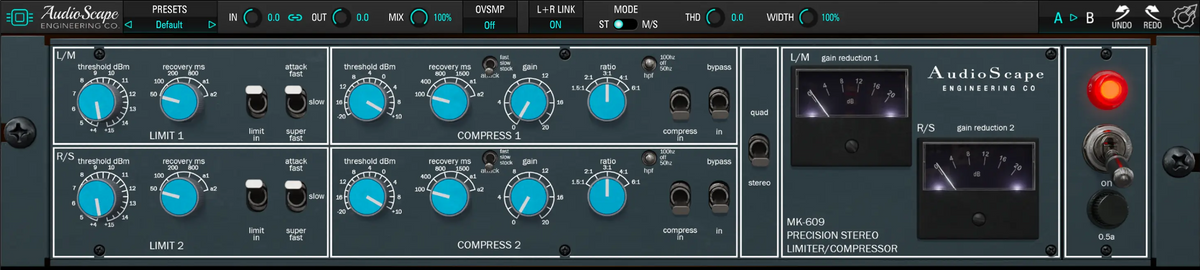
Created with AudioScape Engineering, MK-609 brings their compressor and limiter together in one plugin. Go from subtle bus compression to heavier pumping, shape each stage independently and blend it with your original signal for the balance you want.
Want to own all four AudioScape plugins? The AudioScape Collection bundle saves you more. View The Collection
Compression and limiting
Explore the compressor and limiter, then combine them in your own sessions.
Five ratios and three attack settings take MK-609 from gentle bus compression to a more aggressive response. Choose Stock, Fast or Slow attack, then adjust recovery to control how quickly the compression releases.
The 50 Hz and 100 Hz sidechain filters reduce how much your low end influences the compression without cutting bass from your audio.
Bring in the limiter after compression for another stage of peak control, or use it on its own. Its Fast, Slow and Super Fast attack settings let you preserve more of the initial transient or catch it sooner.
Choose a fixed recovery time or one of two automatic settings that respond differently to short peaks and sustained levels.

Let the compressor handle the overall dynamics and use the limiter to control the peaks that remain. Each stage has its own threshold and timing controls, so you can set how much work each one does.
Beyond the original controls
Blend the processing, shape the stereo image and choose how the two channels respond.

Use Mix to blend a heavier compression setting with your dry audio, adjust harmonic distortion with THD and set the stereo spread with Width.
Link the channels or switch to mid/side for separate control of the center and sides. Input/output linking and oversampling sit alongside A/B, undo and redo, and your own custom presets.

Choose independent detection in Mono or linked detection in Stereo. Quad uses the louder channel to determine gain reduction for both channels. These detector options are separate from the stereo and mid/side processing mode in the top bar.
“MK-609 has quickly become one of my favorite bus compressors.”
Watch & listen
Kiive Audio

Mixing With Mike

Spinlight Studio
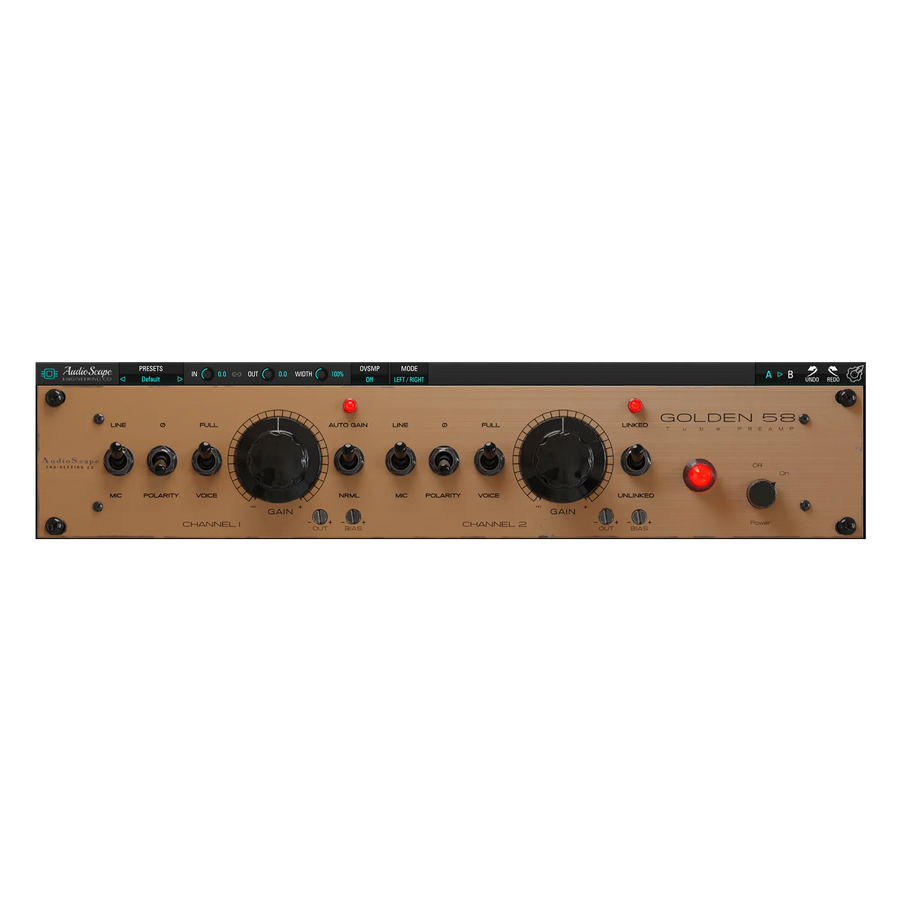
Explore tube-preamp saturation alongside your dynamics processing.
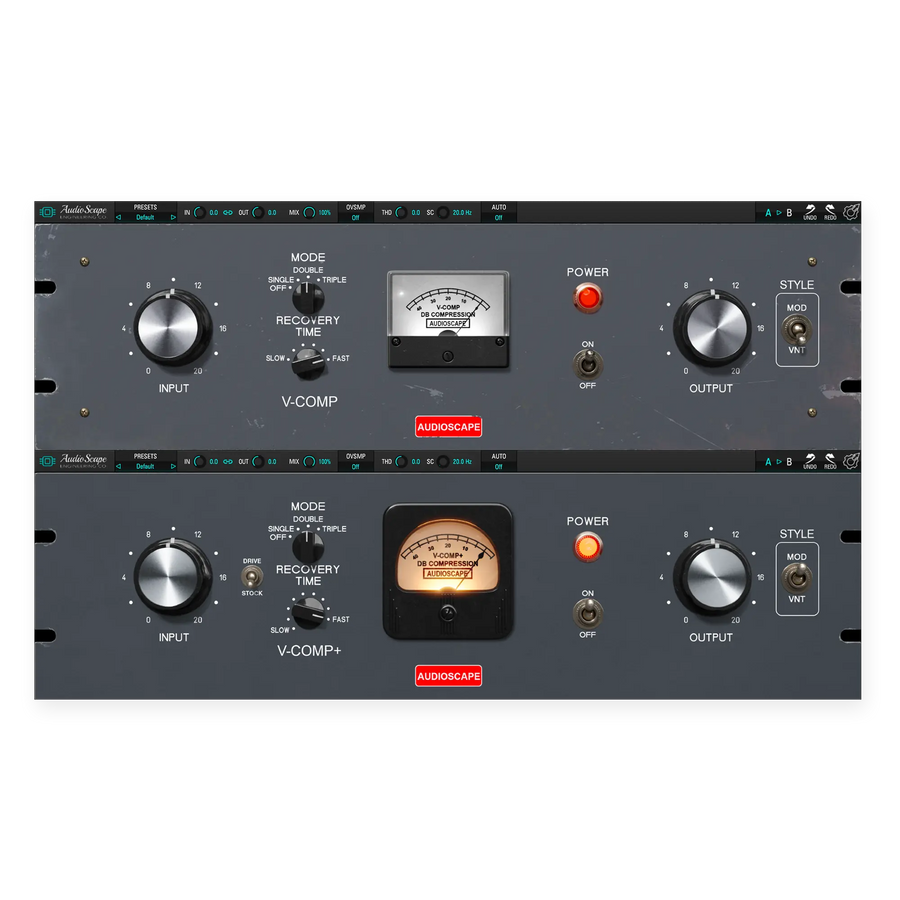
Try a different compression response with AudioScape’s vari-mu tube design.
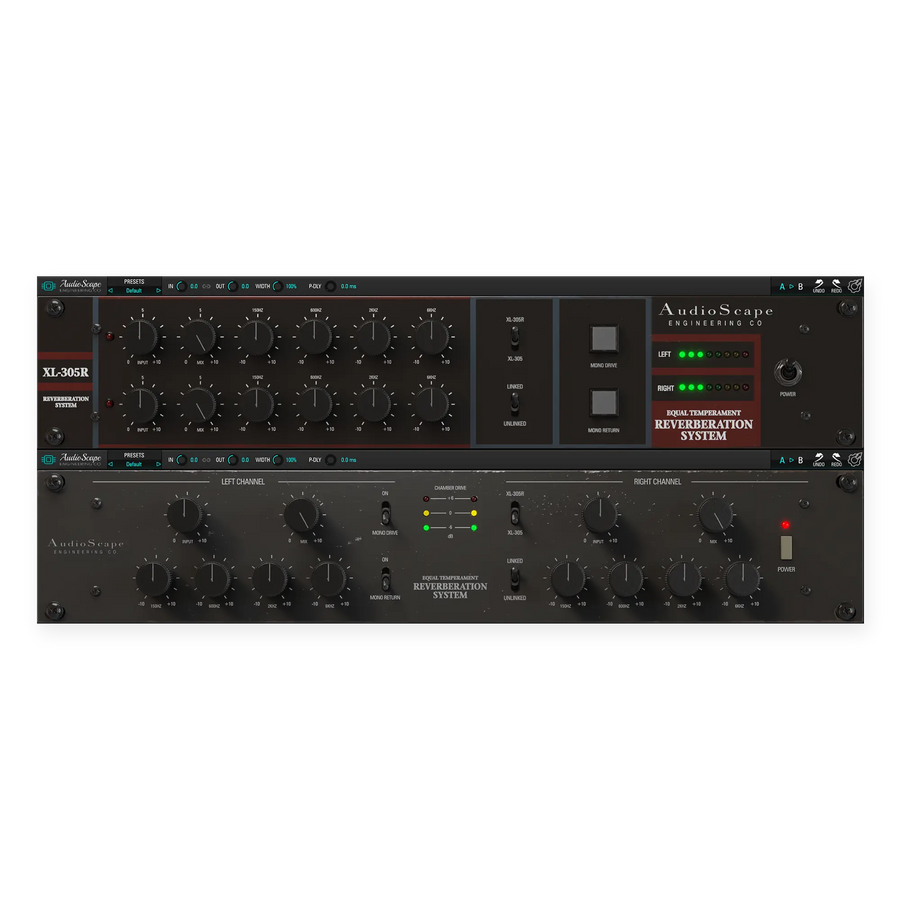
Add dual spring reverb with independent channel controls and EQ.
Download MK-609 and try the full plugin free for 14 days in your own sessions.
Have a question about MK-609 or getting it running in your session? Send us a message and we’ll help you get sorted.
Talk to us