
Kiive Audio
Kiive Audio × AudioScape
Make tube compression part of your sound.


V-Comp brings AudioScape’s vari-mu tube compression into your session, with both the standard and Deluxe editions included. Smooth out changing levels, push for heavier compression or turn gain reduction off and use it for tube and transformer saturation.
Want to own all four AudioScape plugins? The AudioScape Collection bundle saves you more. View The Collection
AudioScape vari-mu compression
A smooth response with plenty of range.
We worked with AudioScape to capture the sound of its seven-tube, iron-core transformer design. V-Comp’s gentle knee and program-dependent ratio let the compression build gradually and respond to the performance, whether you’re settling a vocal into your mix or keeping a bass line even.
Push the input harder when you want more tube saturation, or blend a heavier compression setting with your dry audio to keep more of the original dynamics.
AudioScape vari-mu compression
A smooth response with plenty of range.
We worked with AudioScape to capture the sound of its seven-tube, iron-core transformer design. V-Comp’s gentle knee and program-dependent ratio let the compression build gradually and respond to the performance, whether you’re settling a vocal into your mix or keeping a bass line even.
Push the input harder when you want more tube saturation, or blend a heavier compression setting with your dry audio to keep more of the original dynamics.
The AudioScape response
Find the balance of smooth leveling, heavier compression and tube saturation that suits your mix.

The standard 6386 Edition gives you AudioScape’s original V-Comp response. Switch to the Deluxe 6386 Edition for the additional Drive setting, which lets more signal into the circuit so you can reach heavier saturation at the same Input setting.
Choose Stock for the original input pad or Drive to push the tubes harder. Both editions include the same Kiive top-bar controls.

Single, Double and Triple change how strongly V-Comp compresses, from smooth leveling to an obvious compression effect. Use the nine Recovery settings to shape how quickly it lets go, with the timing adapting to your audio as well as your settings.
Start with Single for smooth leveling that keeps changing levels even without making compression an obvious part of the sound.
Use Double when Single is too gentle and you want more compression to hold changing levels in place.
Triple gives you the strongest compression. A faster Recovery can bring out pumping and distortion when you want the effect to be part of the sound.

Turn Mode to Off when you want tube and transformer saturation without gain reduction. The modeled tube stages and output transformers stay active, with Input controlling how hard you drive them.
Built for your sessions

Blend your compression and adjust the harmonics.
Use Mix to combine a heavier setting with your dry audio, and THD to adjust the amount of harmonic distortion.
Keep the low end from overtriggering the compressor.
The sidechain filter reduces how strongly bass drives the compression without removing it from your audio.
Compare settings as you work.
Auto compensates at the output as you adjust Input. Use A/B, undo and redo to compare your changes, save your own presets, and choose your oversampling setting from the same bar.
“A compressor in a class of its own.”
Watch & listen
Kiive Audio

Home Recording Made Easy

Mixing With Mike
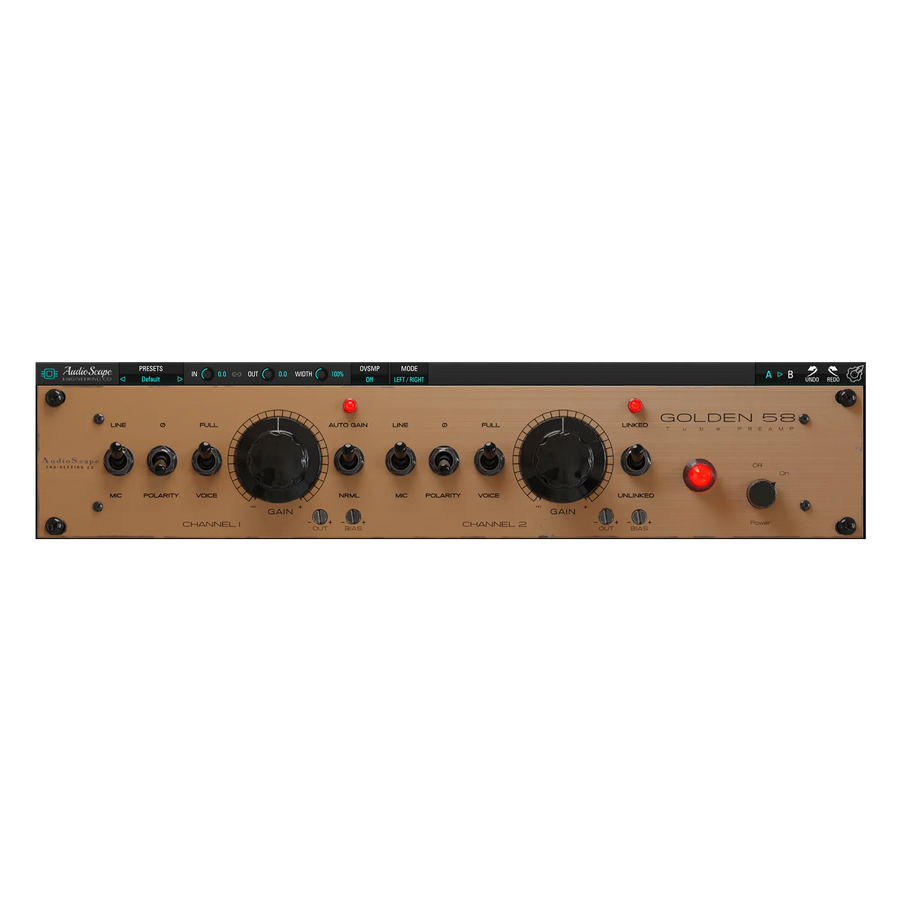
Explore another side of AudioScape’s tube sound with a dedicated preamp and saturator, then use V-Comp to shape the dynamics.
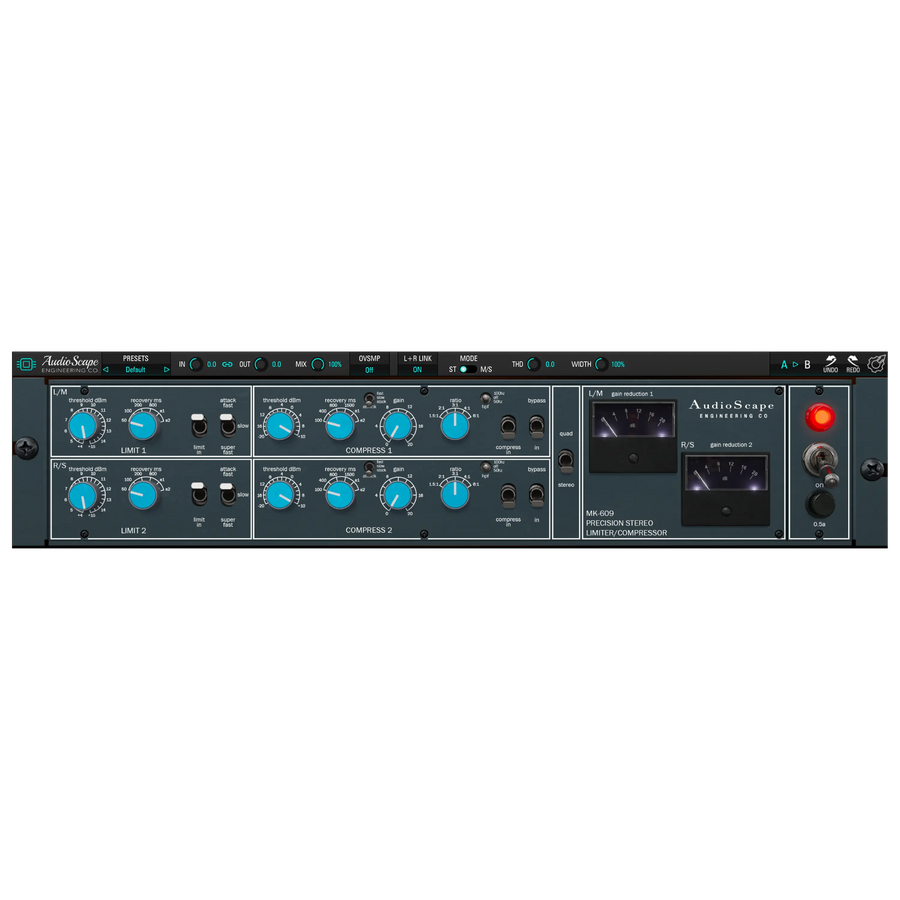
Add diode-bridge compression and a separate limiter to your AudioScape options when you want a different dynamics response.
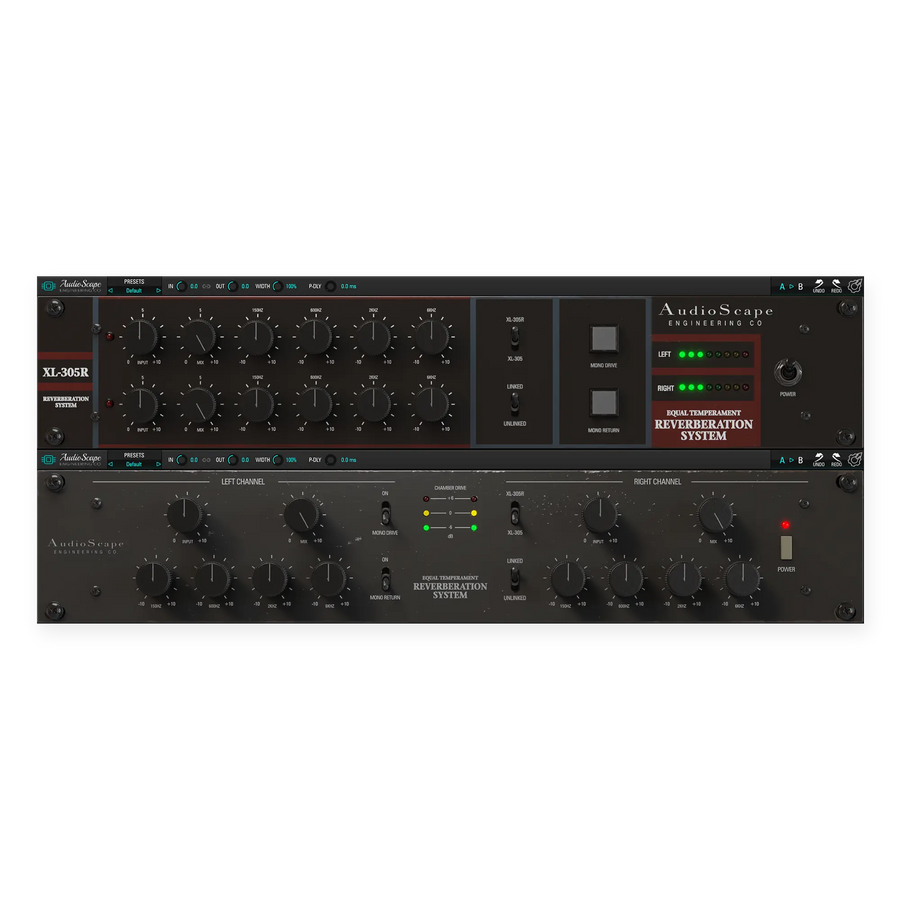
Give the compressed sound its own space with dual spring reverb and EQ that shapes the reverb without changing the dry recording.
Try the complete V-Comp plugin free for 14 days in your own sessions.
Have a question about V-Comp or getting it running in your session? Send us a message and we’ll help you get sorted.
Talk to us